WCAG Audits & Compliance
How to Read a WCAG Audit Report (A Non-Technical Manager's Guide)
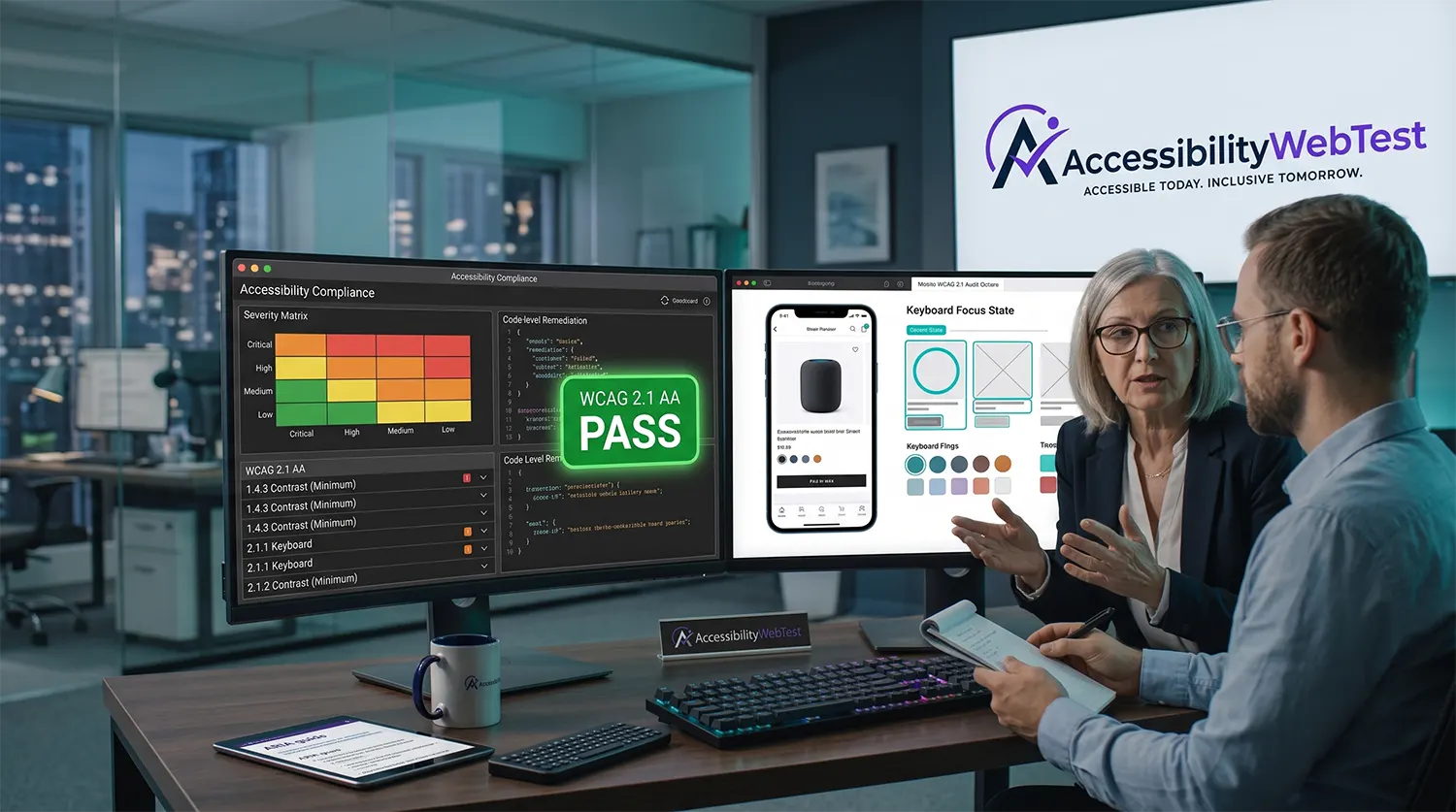
Receiving a 50-page Web Content Accessibility Guidelines (WCAG) audit report can feel overwhelming for Product Managers, CTOs, and Business Owners. Packed with technical jargon like "WAI-ARIA states," "DOM focus management," and "relative luminance ratios," a compliance deliverable often leaves non-technical decision-makers struggling to figure out what needs fixing first.
Learning how to read a WCAG audit report transforms raw diagnostic data into a clear engineering roadmap. Understanding how issues are categorized, prioritizing remediation severity, and knowing how to measure true compliance allows your organization to reduce legal risk, allocate developer resources effectively, and build accessible web applications.
Key Terminology Decoded for Managers
Before prioritizing engineering backlog tickets, non-technical leaders must understand the core structural language used in professional accessibility audit deliverables:
Term / Category | What It Means in Plain English | Business & Engineering Impact |
WCAG 2.1 / 2.2 AA | The international benchmark for web accessibility compliance. | The standard required by ADA Title III, Section 508, and international market laws. |
Conformance Level A | Minimum accessibility threshold. Addresses critical barriers. | Non-conformance completely blocks users from completing basic site tasks. |
Conformance Level AA | Target standard for public websites and enterprise SaaS. | Addresses major barriers like contrast, focus visibility, and responsive layouts. |
Conformance Level AAA | Specialized accessibility criteria for niche applications. | Typically not legally required for general public commercial platforms. |
Impact Rating | The severity level of a specific code vulnerability (Critical, High, Medium, Low). | Determines your engineering team's ticket triage and fix priority order. |
4 Critical Sections Every WCAG Audit Report Contains
Professional accessibility auditors structure deliverables so both executive leadership and frontend developers can extract actionable insight.
1. The Executive Summary & Conformance Score
This section provides high-level compliance metrics. It summarizes your overall pass/fail percentage across evaluated pages, breaks down total violations by WCAG Success Criteria, and establishes your baseline legal risk under standards like ADA Title III or Section 508.
2. The Severity & Risk Remediation Matrix
Auditors categorize detected vulnerabilities into four distinct impact buckets:
Critical (Blockers): Prevents users from completing core business actions (e.g., a keyboard trap in a checkout modal). Must be fixed immediately.
High (Severe Friction): Creates significant difficulty for assistive tech users (e.g., form fields missing explicit programmatic labels).
Medium (Usability Barriers): Degrades user experience (e.g., insufficient color contrast ratios on secondary text).
Low (Minor Defects): Minor code syntax deviations that do not completely block task completion.
3. Detailed Code-Level Remediation Findings
Developer-focused sections break down each bug into four specific items:
The Affected URL & Component: Where the issue lives (e.g., /checkout -> select-shipping-button).
The WCAG Criterion Violated: The exact rule breached (e.g., WCAG 2.4.7 Focus Visible).
The Assistive Technology Impact: How the bug hurts real users (e.g., "Keyboard users cannot visually locate focus on the submit button").
The Code-Level Fix: Precise code examples illustrating bad vs. compliant HTML/CSS/JS.
4. Voluntary Product Accessibility Template (VPAT / ACR)
For B2B SaaS platforms, an enterprise audit report includes a completed Accessibility Conformance Report (ACR) using the VPAT 2.5 framework. This documents whether your product Supports, Partially Supports, or Does Not Support each legal requirement.
Real-World Examples: Translating Technical Violations into Business Priorities
Understanding how code defects affect end users helps managers assign realistic story points during sprint planning.
Example A: A Keyboard Trap in a Modal Window (WCAG 2.1.2)
What the Report Says: "Component #login-modal violates WCAG 2.1.2 (Level A). Keyboard focus is captured within the dialog without an accessible exit path."
What It Means for Business: Keyboard-only users and screen reader users who open the login window cannot close it or tab back to the main site.
Priority Level: CRITICAL. This completely halts user authentication.
HTML
Submit
Submit
Example B: Missing Form Input Labels (WCAG 1.3.1)
What the Report Says: "Input [name='card-number'] fails WCAG 1.3.1 (Level A) due to lack of explicit or aria-label linkage."
What It Means for Business: Blind shoppers using VoiceOver or NVDA hear only "Edit text, blank" during checkout, making payment impossible.
Priority Level: HIGH. Directly causes cart abandonment.
Why Automated Scanners Miss 70% of Audit Report Criteria
When managers run free automated scanning tools (such as axe-core, WAVE, or Lighthouse), they often receive high scores and assume their application is compliant. This creates false confidence.
Automated tools evaluate raw syntax rules, but automated scanners miss up to 70% of real-world WCAG violations.
Contextual Evaluation: An automated scanner verifies if an tag contains alt="", but cannot determine if alt="image123" accurately describes a complex financial chart.
Keyboard Navigation & Focus: Scanners do not press the Tab key to verify whether tab order follows a logical reading sequence or if custom dropdowns work via keyboard.
Screen Reader UX: Scanners cannot listen to audio speech outputs (NVDA, VoiceOver, JAWS) to confirm that dynamic JavaScript notifications are announced properly.
The Danger of Overlay Widgets
Installing a third-party JavaScript "overlay widget" to fix report findings is equally risky. Overlays insert artificial visual controls over an unmanaged codebase without altering underlying HTML or DOM focus structures. Enterprise buyers and courts routinely reject overlay widgets because they leave core applications non-compliant.
Automated Scanners vs. Manual Expert Audit Reports
Report Evaluation Metric | Automated Scanning Tool | Comprehensive Manual Audit |
Execution Time | ✅ Instant (Minutes) | ⏱️ Methodical (Days to Weeks) |
Static HTML Syntax Checking | ✅ High Accuracy | ✅ Verified during review |
Color Contrast Verification | ✅ Static CSS checks | ✅ Evaluates dynamic visual themes |
Keyboard Navigation & Focus Traps | ❌ Cannot tab through UI | ✅ Manually tested via key sequences |
Screen Reader Usability | ❌ Cannot evaluate voice output | ✅ Verified with NVDA, VoiceOver & JAWS |
Legal Defensibility & Credibility | ❌ Low (~30% coverage) | ✅ High (100% WCAG AA verification) |
How to Turn Your Audit Report into an Actionable Remediation Plan
Triage by Impact, Not Volume: Direct developers to resolve all CRITICAL and HIGH severity items first to eliminate core legal exposure and site blockers.
Focus on Global Components: Fixing a bug in a header, footer, or modal component automatically resolves violations across hundreds of pages.
Re-Test Fixed Code: Have certified auditors re-verify code fixes to ensure remediated components satisfy WCAG criteria.
Publish Your Updated Conformance Documentation: Use your verified audit findings to publish an accurate Website Accessibility Statement or VPAT / ACR report.
Translate Your Audit Data into Compliance Solutions
Relying on automated scores or difficult-to-parse reports leaves engineering teams paralyzed and applications exposed to legal liability. Successfully achieving accessibility compliance requires clear, human-audited reporting paired with developer-ready remediation guidance.
At accessibilitywebtest.com, our certified engineers perform manual keyboard and screen reader testing to deliver clear, actionable WCAG 2.1 / 2.2 AA audit reports designed for both product managers and engineering teams.
Need a comprehensive web application audit? Explore our Web Accessibility Testing Services.
Auditing mobile apps for iOS and Android? Learn about our Mobile Accessibility Testing Services.
Preparing B2B software for procurement? Review our VPAT Audit & ACR Services and Section 508 Compliance Testing Services.
Targeting Indian public sector guidelines? See our specialized GIGW 3.0 Compliance Services.
Building an accessible platform from the ground up? Collaborate with our team on Accessible Website Development.
Want to learn more about our audit team? Visit our About Us Page.
Ready to evaluate your digital platform? Contact our lead auditors today to schedule a comprehensive accessibility audit.