
Mobile Accessibility Testing
iOS VoiceOver & Android TalkBack: Mobile App Accessibility Testing Guide
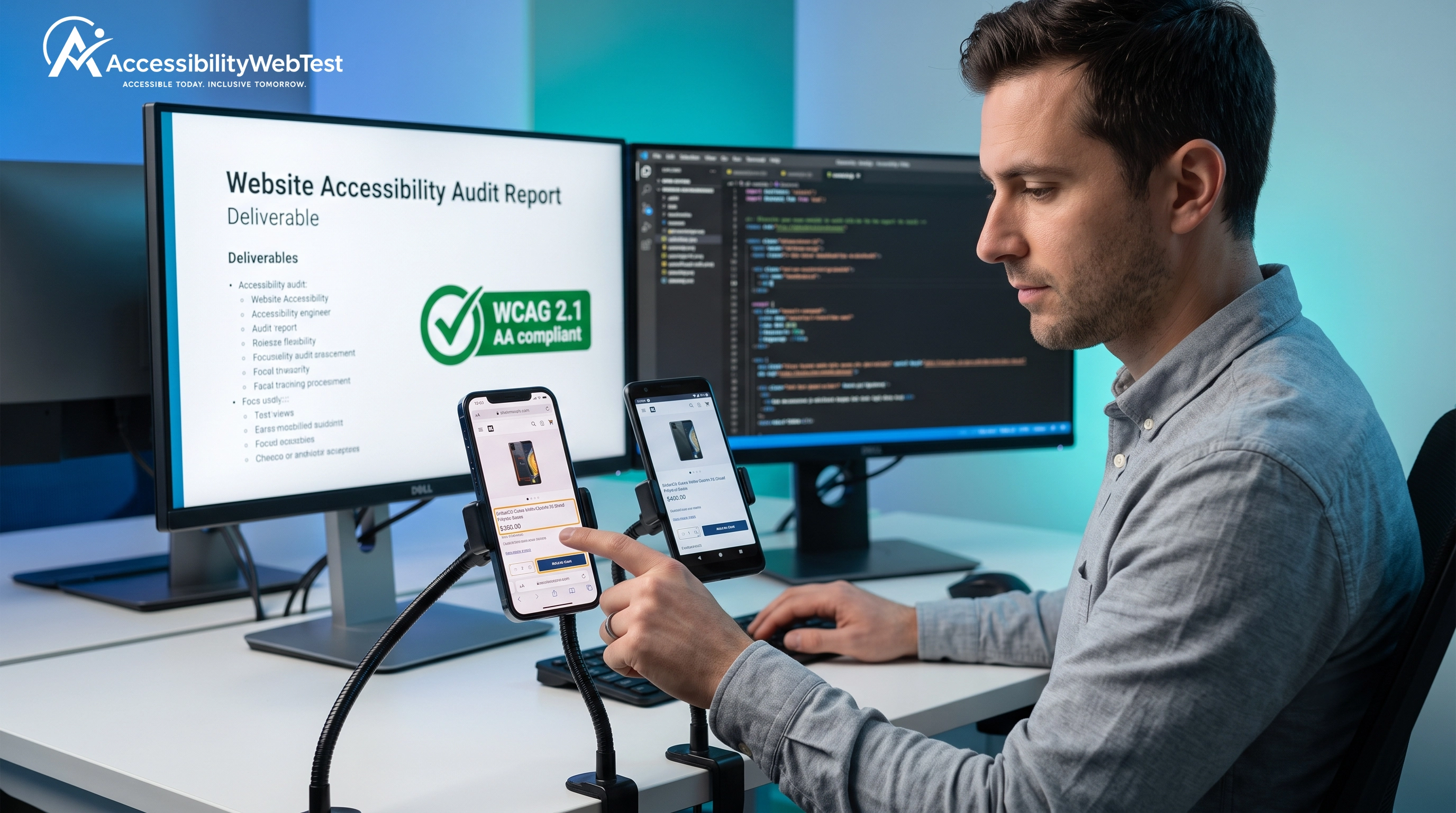
Delivering a high-performance native mobile application requires more than just a slick UI and fast load times. For modern enterprises, digital products must be accessible to all users, including those with visual, motor, or cognitive impairments.
While many organizations prioritize their web conformance, their native iOS and Android companion apps frequently remain a massive blind spot. Failing to implement iOS and Android mobile app accessibility testing breaks functionality for a significant portion of your customer base and exposes your business to serious litigation risk under ADA Title III and the European Accessibility Act (EAA).
Ensuring your mobile apps meet WCAG 2.1 and 2.2 Level A and AA standards requires rigorously testing your software with native, gesture-based screen readers: VoiceOver on iOS and TalkBack on Android.
The Landscape of Native Mobile Accessibility
Mobile screen readers do not interact with HTML DOM trees. They interact with native OS accessibility frameworks (UIAccessibility on iOS and AccessibilityNodeInfo on Android) to parse the view hierarchy and render a voice output of the active screen contents.
If your engineering team builds custom UI controls using raw views without registering native accessibility traits, roles, or states, your application becomes invisible to VoiceOver and TalkBack users.
Testing with these native tools is mandatory to evaluate real user experience, focus management, and gesture-based navigation.
4 Native Mobile Barriers That Break Screen Reader Navigation
Automated SDK scanners cannot replicate human interactions. Human-audited testing with VoiceOver and TalkBack is necessary to uncover critical barriers that directly impact your mobile app VPAT conformance.
1. Inaccessible Custom Dynamic Components (WCAG 4.1.2)
Mobile apps frequently use custom interactive controls (e.g., slide-over filters, multi-step checkout drawers, custom date pickers) that are built from generic views rather than native button components. Without proper labeling and traits, screen readers receive zero context.
Real-World Impact: A blind shopper hits an unlabelled button to add an item. VoiceOver announces only "Button, blank," preventing them from knowing if the action was successful.
Swift
// INCORRECT (Swift): Visually a button, but hidden from VoiceOver
let addToCartView = UIView()
addToCartView.addGestureRecognizer(UITapGestureRecognizer(target: self, action: #selector(addToCart)))
// CORRECT (Swift): Fully accessible custom mobile button
let addToCartButton = UIButton(type: .system)
addToCartButton.setTitle("Add to Cart", for: .normal)
addToCartButton.accessibilityLabel = "Add to Cart"
addToCartButton.accessibilityTraits = .button
2. Illogical Screen Reader Focus Order (WCAG 1.3.2 & 2.4.3)
By default, mobile screen readers read from left-to-right, top-to-bottom. However, custom layouts (such as e-commerce product grids or multi-column dashboards) often disrupt this flow. Focus might jump randomly across the screen, confusing users and breaking logical context.
3. Screen Reader Focus Traps in Native Modals (WCAG 2.1.2)
When a modal sheet or dynamic overlay is presented, screen reader focus must be trapped within that container. If VoiceOver and TalkBack users can still gesture navigate to components behind the semi-transparent overlay, you have a critical trap violation.
4. Broken Native Alerts and State Changes (WCAG 4.1.3)
Visual users immediately see a "Product Added" toast message or an "Error: Check Credit Card" alert. To notify VoiceOver and TalkBack users, you must use native notification announcements or accessibility semantic roles (UIAccessibilityPostNotification on iOS or AccessibilityEvent on Android).
Why Automated Mobile Scanners Miss 70% of Real-World Issues
Many engineering teams attempt to expedite conformance by running automated SDK scanners within Xcode and Android Studio, or using generic visual linting tools. While helpful for basic syntax, automated mobile scanners miss up to 70% of real-world mobile accessibility barriers.
Cannot Replicate Hand Gestures: Automated mobile test suites are code-level linters. They cannot perform swipe-to-navigate, two-finger double taps, or test dynamic component interactions.
Cannot Validate Voice Output: Scanners verify if an accessibility label string exists in code, but cannot confirm whether VoiceOver or TalkBack actually speaks the string in a logical sequence.
Cannot Test Complex Journeys: Scanners cannot log into authenticated mobile accounts, bypass biometric checks, or test complex multi-step checkout or registration flows.
The Problem with Quick-Fix Overlay Widgets & Scripts
There are no client-side "overlay widgets" or JavaScript patches that fix native mobile accessibility. Overlays leave the underlying mobile view trees completely uncompliant, failing both legal conformance and procurement requirements.
Automated Mobile Tools vs. Manual VoiceOver/TalkBack Testing
Mobile Evaluation Capability | Automated Mobile Scanners | Manual Expert Audit |
Execution Speed | ✅ Instant (Code-level checks) | ⏱️ Methodical (Device-by-device testing) |
Static View Inspection | ✅ High Accuracy | ✅ Verified during inspection |
Touch Target Dimensions | ⚠️ Partial CSS check | ✅ Verified manually for usability |
Focus Flow and Ordering | ❌ Cannot simulate navigation order | ✅ Manually verified via swipe gestures |
VoiceOver & TalkBack UX | ❌ Cannot evaluate audio output | ✅ Tested on real physical iOS & Android devices |
Enterprise VPAT Conformance | ❌ Low (flagged by enterprise QA) | ✅ High (backed by certified expert report) |
4 Steps to a Compliant Native Mobile Application
Perform Native Device Testing: Test your native iOS and Android apps on physical devices using VoiceOver and TalkBack native screen readers.
Audit Chapter 5 and WCAG Criteria: Evaluate mobile software against both Revised Section 508 Chapter 5 (Software) rules and WCAG 2.1 / 2.2 Level AA criteria.
Remediate Code at the Source: Provide mobile engineering teams with concrete code fixes for accessibility traits, focus management, and dynamic layout scaling.
Publish Comprehensive Conformance Documentation: Combine your desktop web, iOS, and Android evaluations into a unified, integrated VPAT Audit & ACR document to unlock enterprise procurement opportunities.
Partner with Certified Accessibility Engineers for Mobile
Achieving genuine mobile compliance requires more than just code linter checks. To secure your enterprise sales and eliminate legal risk, you need human-audited testing across real mobile assistive technology devices.
At accessibilitywebtest.com, our certified engineers specialize in performing comprehensive native and hybrid mobile audits using physical devices and gesture-based screen readers.
Auditing native iOS, Android, or React Native mobile apps? Explore our specialized Mobile Accessibility Testing Services.
Targeting web application conformance alongside mobile? Learn about our Web Accessibility Testing Services.
Preparing VPAT documentation for government or enterprise RFPs? Review our Section 508 Compliance Testing Services and VPAT Audit & ACR Services.
Targets the specific public sector requirements in India? See our specialized GIGW 3.0 Compliance Services.
Developing a new compliant platform from scratch? Work with our engineering team on Accessible Website Development.
Want to learn more about our audit team? Visit our About Us Page.
Ready to secure your mobile user experience? Contact our lead auditors today to schedule a comprehensive native mobile accessibility audit.