VPAT & Section 508 Compliance
Section 508 VPAT vs. WCAG 2.1 AA VPAT: Which Edition Do You Need?
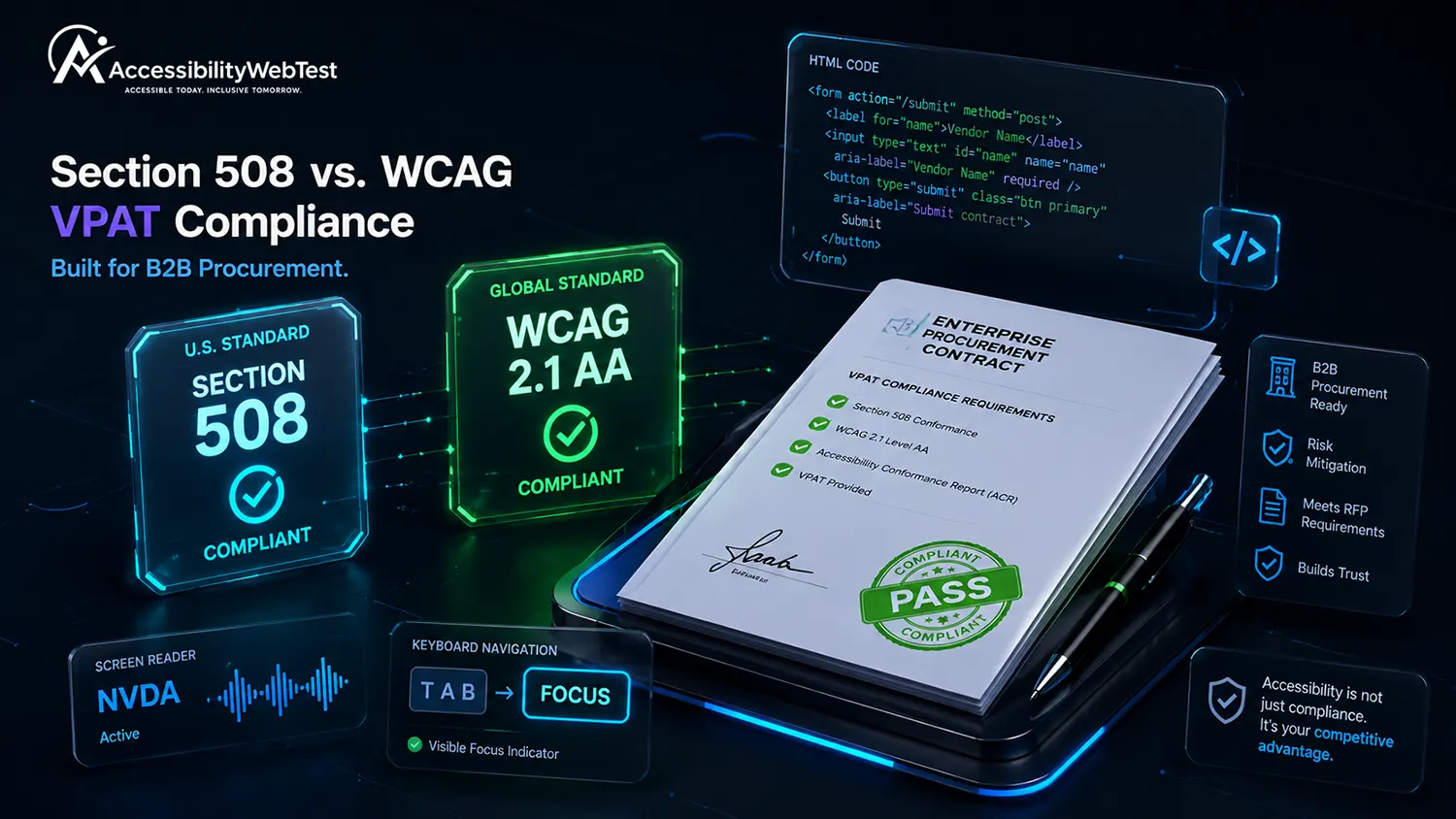
When your B2B SaaS platform, digital agency, or enterprise software company begins responding to RFPs from government agencies, public universities, or Fortune 500 enterprise buyers, providing an Accessibility Conformance Report (ACR) is a mandatory step in procurement.
However, vendors frequently get stalled by a critical technical question: Which edition of the Voluntary Product Accessibility Template (VPAT) does your client actually require?
Submitting a VPAT Section 508 report to an international commercial enterprise, or presenting a standalone VPAT WCAG document to a U.S. federal agency, can result in your proposal being flagged or rejected by procurement officers.
For CTOs, Lead Developers, and Product Managers, understanding the structural differences between VPAT Section 508 vs. WCAG editions—and ensuring your software meets the underlying technical criteria—is essential for closing enterprise deals.
The 4 Official VPAT 2.5 Editions Explained
The Information Technology Industry Council (ITI) publishes four official versions of the VPAT 2.5 framework. Each edition targets specific market jurisdictions, legal mandates, and technical standards.
VPAT 2.5 Edition | Target Jurisdiction & Buyers | Underlying Technical Standard | Key Regulatory Mandate |
VPAT Section 508 | U.S. Federal, State & Local Government, K-12, Higher Ed | Revised Section 508 (WCAG 2.0 A/AA + Chapter 3, 4, 5, 6) | Rehabilitation Act of 1973 (Section 508) |
VPAT WCAG | Global Commercial Enterprises, B2B SaaS Sales | WCAG 2.0, 2.1, or 2.2 (Levels A & AA) | ADA Title III, General Enterprise Procurement |
VPAT EU | European Union Member State Public & Private Procurement | EN 301 549 (Includes WCAG 2.1 AA + EU extras) | European Accessibility Act (EAA) / Directive 2016/2102 |
VPAT INT (International) | Global Organizations operating across U.S., EU & Commercial | Combines Section 508 + EN 301 549 + WCAG 2.1 AA | Universal Global Procurement Coverage |
1. Section 508 VPAT: Built for U.S. Public Sector Procurement
The VPAT Section 508 edition is required whenever you pitch software, cloud services, or digital products to U.S. federal agencies, state governments, or entities funded by federal grants (including public universities).
Legal Foundation: Section 508 of the Rehabilitation Act requires federal agencies to develop, procure, maintain, and use Information and Communication Technology (ICT) that is accessible to people with disabilities.
Technical Framework: The Revised Section 508 incorporates WCAG 2.0 Level A and AA criteria by reference. However, it also includes specific hardware, software, and functional performance criteria (Chapters 3, 4, 5, and 6) covering documentation, support services, and non-web software interfaces.
When You Need It: If your primary prospect is a federal department (e.g., DoD, VA, HHS) or a state agency adhering to Section 508 rules.
2. WCAG VPAT: Built for Global Commercial B2B Enterprise Sales
The VPAT WCAG edition is designed for commercial entities operating in the private sector. It strips out government-specific ICT chapters and focuses strictly on web, mobile, and digital content accessibility standards.
Legal Foundation: Driven primarily by ADA Title III litigation defense and corporate social responsibility (CSR) initiatives.
Technical Framework: Evaluates digital products directly against WCAG 2.1 or WCAG 2.2 Level A and AA criteria.
When You Need It: If you are selling B2B SaaS to commercial enterprises, private healthcare providers, financial institutions, or international clients who do not require specific U.S. federal ICT reporting.
3. VPAT INT: The All-in-One Global Solution
If your software product serves both federal government clients and global commercial enterprises, maintaining separate VPAT documents creates administrative overhead.
The VPAT INT (International) edition includes all requirements from Section 508, EN 301 549 (EU), and WCAG 2.1/2.2 AA in a single comprehensive document. It provides universal coverage for any enterprise procurement team worldwide.
Technical Realities: Code Barriers That Trigger VPAT Failures
Procurement officers evaluate your completed ACR based on four conformance levels: Supports, Partially Supports, Does Not Support, or Not Applicable.
To achieve a "Supports" rating across both Section 508 and WCAG VPAT editions, your codebase must resolve fundamental technical barriers.
1. Missing Form Input Labels (WCAG 1.3.1 Info & Relationships)
In B2B SaaS web applications, complex data entry forms often rely on visual placeholder text rather than explicit HTML <label> elements. To screen reader users, unlabelled form inputs announce only as "Edit text, blank."
HTML
<!-- INCORRECT: Inaccessible form control; triggers "Partially Supports" on VPAT -->
<input type="text" name="org_name" placeholder="Enter Organization Name">
<!-- CORRECT: Fully accessible form control passing Section 508 & WCAG criteria -->
<label for="org-name">Organization Name</label>
<input type="text" id="org-name" name="org_name" autocomplete="organization">
2. Broken Focus Traps in Modal Windows (WCAG 2.1.2 No Keyboard Trap)
Enterprise SaaS applications frequently use slide-over panels and modal windows for settings and record editing. If a keyboard user cannot tab into, navigate within, and exit the modal window using the Tab or Escape keys, your product fails WCAG 2.1.2.
3. Non-Conforming Visual Contrast Ratios (WCAG 1.4.3 Contrast Minimum)
Muted gray text on light gray cards, low-contrast data visualization graphs, and disabled-looking CTA buttons fail the mandatory 4.5:1 contrast ratio for standard text, dragging down your product's VPAT score.
Why Automated Scanners and Overlays Cannot Generate a Valid VPAT
Many SaaS engineering teams attempt to generate a VPAT quickly by running an automated scanning script or installing a third-party JavaScript "overlay widget." This approach fails procurement scrutiny.
Automated Scanners Miss ~70% of VPAT Criteria
Automated tools (such as axe-core, WAVE, or Lighthouse) check static code parameters. However, automated tools miss up to 70% of real-world WCAG and Section 508 criteria.
No Dynamic Workflow Testing: Scanners cannot log into authenticated SaaS portals, test dynamic multi-step application forms, or evaluate custom drag-and-drop components.
No Assistive Technology Verification: Scanners cannot verify whether speech synthesis engines (like NVDA, VoiceOver, or JAWS) accurately speak complex UI elements.
No Contextual Judgment: Scanners verify if an <img> tag contains an alt attribute, but cannot determine if alt="chart" provides accurate information about a financial graph.
The Danger of Overlay Widgets in Procurement
Overlay widgets attempt to alter an inaccessible website on the client side without touching the source code. Enterprise procurement security teams routinely reject vendors utilizing overlay widgets because:
They leave the underlying source code non-compliant.
They interfere with native screen readers used by disabled employees.
They introduce unverified third-party JavaScript onto enterprise networks.
Automated Scanners vs. Manual Expert Audits for VPATs
Evaluation Metric | Automated Scanning Tools | Manual Expert Audit |
Static HTML Syntax | ✅ High Speed & Accuracy | ✅ Verified during review |
Color Contrast Detection | ✅ High Accuracy (Static CSS) | ✅ Tests dynamic graphs & themes |
Keyboard & Focus Testing | ❌ Cannot tab through UI flows | ✅ Verified manually via keyboard key sequences |
Screen Reader Verification | ❌ Cannot evaluate voice output | ✅ Verified using NVDA, VoiceOver & JAWS |
Procurement Acceptance Rate | ❌ Low (flagged by enterprise QA) | ✅ High (backed by certified expert report) |
How to Get an Enterprise-Ready VPAT Report
Securing an accurate, defensible VPAT ACR requires a structured evaluation process:
Perform a Comprehensive Manual WCAG Audit: Have certified accessibility engineers evaluate your software using automated tools, keyboard-only navigation, and screen readers (NVDA, VoiceOver, JAWS).
Remediate Core Code Vulnerabilities: Resolve critical keyboard traps, form labeling gaps, and contrast issues identified during audit testing.
Draft the Conformance Report (ACR): Complete the appropriate VPAT 2.5 edition template (Section 508, WCAG, or INT) with precise technical explanations for every criterion.
Maintain Annual Conformance: Update your VPAT annually or after major product releases to ensure continuous procurement readiness.
Fast-Track Enterprise Sales with Manual VPAT Audits
Submitting an inaccurate or unverified VPAT can stall high-value sales cycles and expose your company to legal liability. Establishing a human-tested, audit-backed VPAT demonstrates software maturity and opens federal and enterprise revenue streams.
At accessibilitywebtest.com, our certified accessibility engineers conduct comprehensive manual WCAG 2.1 / 2.2 AA audits and draft precise, defensible VPAT 2.5 reports for SaaS platforms and software vendors.
Need a quick cost estimate for your VPAT project? Use our interactive Audit Pricing & Scope Calculator to get an immediate project proposal.
Evaluating VPAT auditing options? Learn more about our end-to-end WCAG Audit & VPAT Testing Services.
Have an enterprise contract waiting on a VPAT? Contact our lead auditors today to schedule your VPAT evaluation.