Mobile Accessibility Testing
Evaluate Android and iOS applications for WCAG compliance, usability, and compatibility with screen readers and assistive technologies.
Learn more Book Your Appointment
Expert accessibility solutions
Audit. Manage. Improve. Comply.
AccessibilityWebTest helps organizations identify digital barriers, understand real user impact, and move toward inclusive, standards-aligned experiences across websites, applications, documents, and digital products.

We help businesses create inclusive digital experiences through expert accessibility testing, industry best practices, and a commitment to delivering solutions that meet WCAG, Section 508, GIGW, and international accessibility standards.
Accessibility
Services
Focus on
Accessibility
Compliance
Standards
Accessibility services
From audits and compliance reviews to accessible development and conformance reporting, our services help teams understand, prioritise, and resolve accessibility barriers.
Evaluate Android and iOS applications for WCAG compliance, usability, and compatibility with screen readers and assistive technologies.
Learn moreBuild accessible, responsive, and standards-compliant websites that provide an inclusive experience for every user.
Learn moreComprehensive accessibility audits against current WCAG requirements to identify issues and improve digital accessibility.
Learn moreVerify Section 508 accessibility requirements for organizations creating digital products for government and public-sector users.
Learn moreEvaluate websites and web applications against Government of India GIGW 3.0 accessibility and usability requirements.
Learn morePrepare accurate VPAT® documentation and Accessibility Conformance Reports to communicate accessibility conformance clearly.
Learn moreWe help organizations create inclusive, compliant, and user-friendly digital experiences across high-impact sectors.

Accessible learning platforms, LMS systems, courses, and digital classrooms.

Inclusive shopping experiences for all users across web and mobile.

Secure, compliant, and accessible digital banking experiences.

Accessible patient portals, healthcare apps, and telemedicine platforms.
Why choose us
Automated scanners are useful, but they cannot fully understand how a person using a keyboard, screen reader or other assistive technology experiences your website. Our specialists combine technology with expert human testing to deliver findings your team can trust and act on.
Our audit process validates automated results, identifies issues that tools cannot detect and provides practical remediation instructions for designers and developers.
Every automated result is reviewed before it appears in your final report.
We test important journeys using keyboards, screen readers and browser accessibility features.
Findings include practical fixes, affected elements and relevant WCAG references.
| Testing capability | AccessibilityWebTestExpert testing service | Typical scannerAutomation only |
|---|---|---|
| Expert manual accessibility testing | Included | Not included |
| Keyboard-only journey testing | Included | Not included |
| Screen reader compatibility testing | Included | Not included |
| Automated findings manually validated | Included | Not included |
| False positive identification | Included | Not included |
| WCAG success criteria mapping | Included | Limited |
| Developer remediation guidance | Included | Not included |
| Screenshots and affected elements | Included | Not included |
| Prioritisation by severity and user impact | Included | Not included |
| Retesting and fix verification | Included | Not included |
Not sure where to begin?
Expert insights on accessibility, compliance, and inclusive digital experiences.
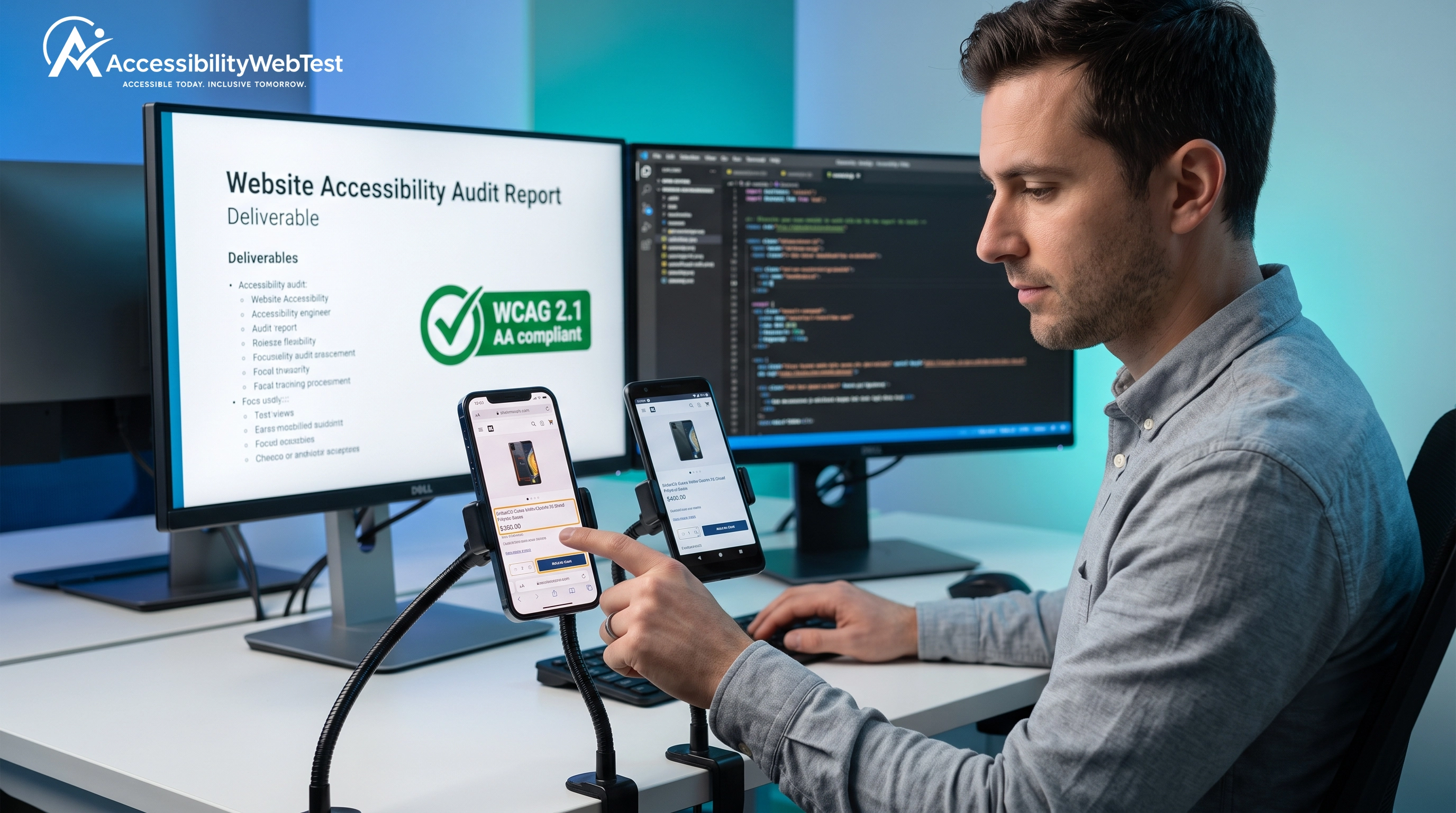
iOS VoiceOver & Android TalkBack: Mobile App Accessibility Testing Guide
Category · Mobile Accessibility Testing
Learn how to test iOS and Android apps for accessibility using VoiceOver and TalkBack. Explore screen reader navigation, focus management, accessible controls, WCAG requirements, and why manual testing on real mobile devices is essential.
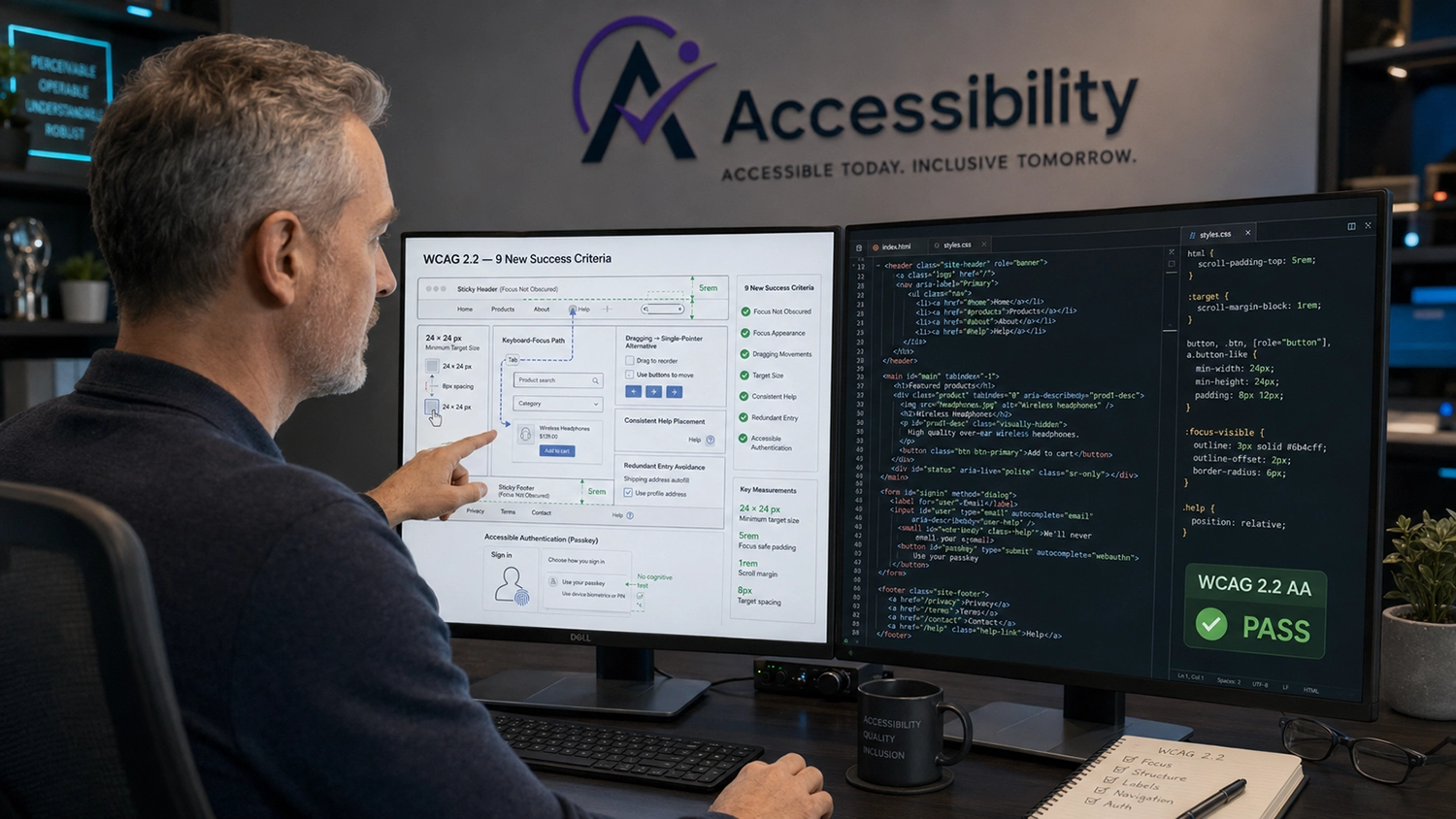
What is WCAG 2.2? Complete Breakdown of the 9 New Success Criteria
Category · WCAG & Web Accessibility
Discover what changed in WCAG 2.2 with a practical breakdown of the 9 new success criteria. Learn about focus visibility, target sizes, dragging alternatives, accessible authentication, redundant entry, and what organizations need to consider for WCAG 2.2 AA compliance.
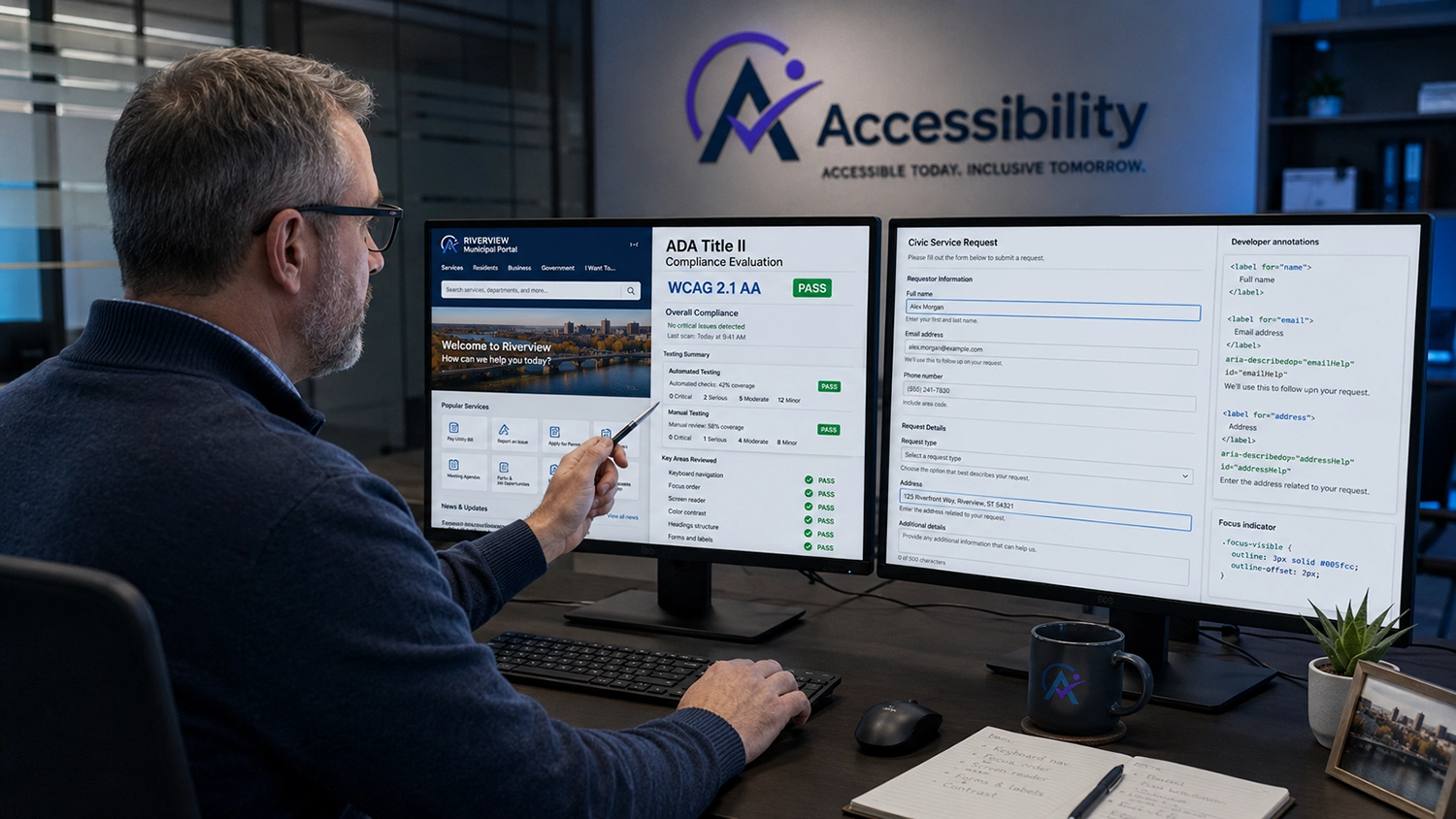
Title II ADA Updates: What State & Local Government Entities Must Do
Category · ADA & Government Accessibility
Learn what state and local government entities need to know about ADA Title II digital accessibility requirements, including WCAG 2.1 AA compliance for public websites, mobile apps, digital documents, and third-party platforms.
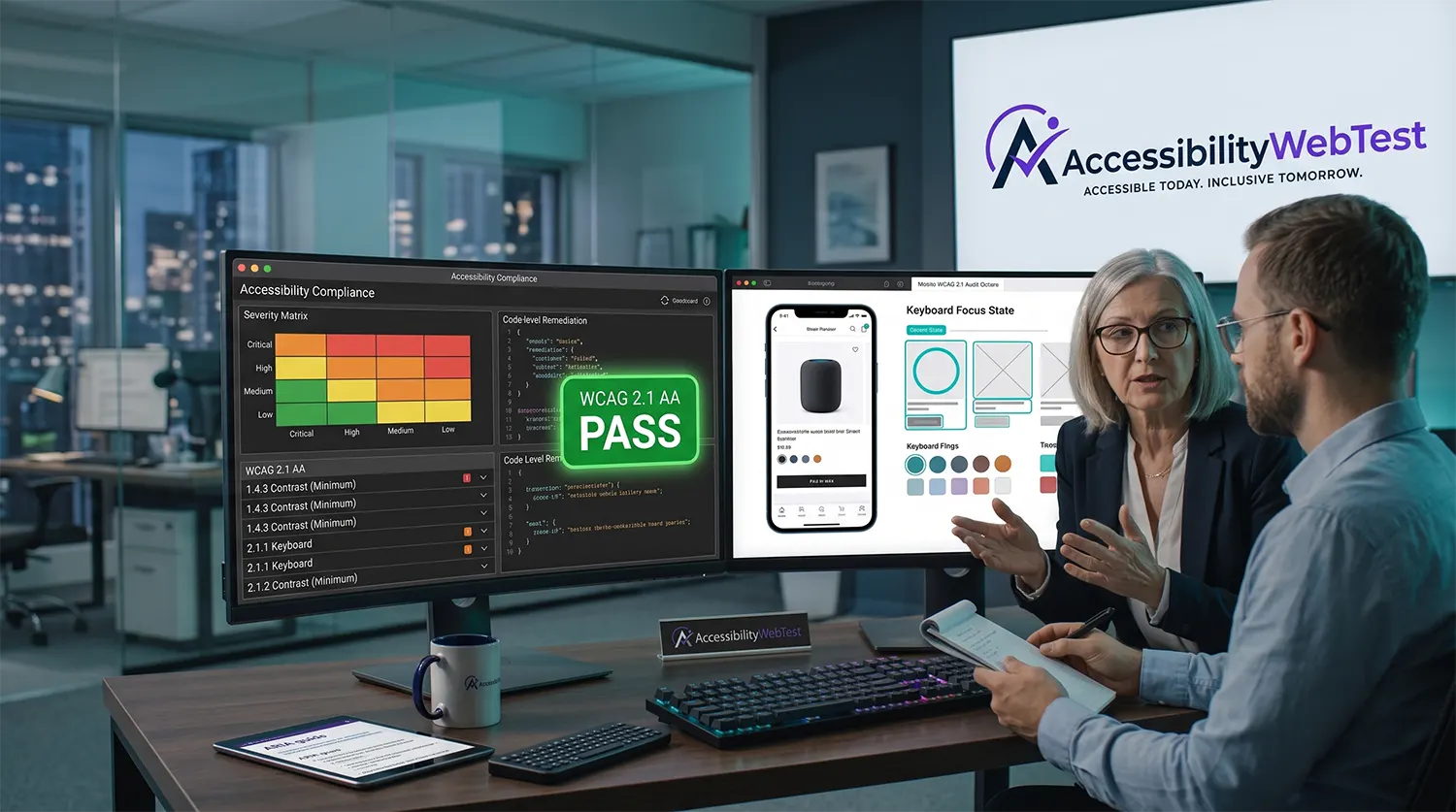
How to Read a WCAG Audit Report (A Non-Technical Manager's Guide)
Category · WCAG Audits & Compliance
Learn how to read a WCAG accessibility audit report without a technical background. Understand severity levels, WCAG findings, remediation priorities, conformance results, and VPAT/ACR documentation so you can turn accessibility issues into a clear action plan.
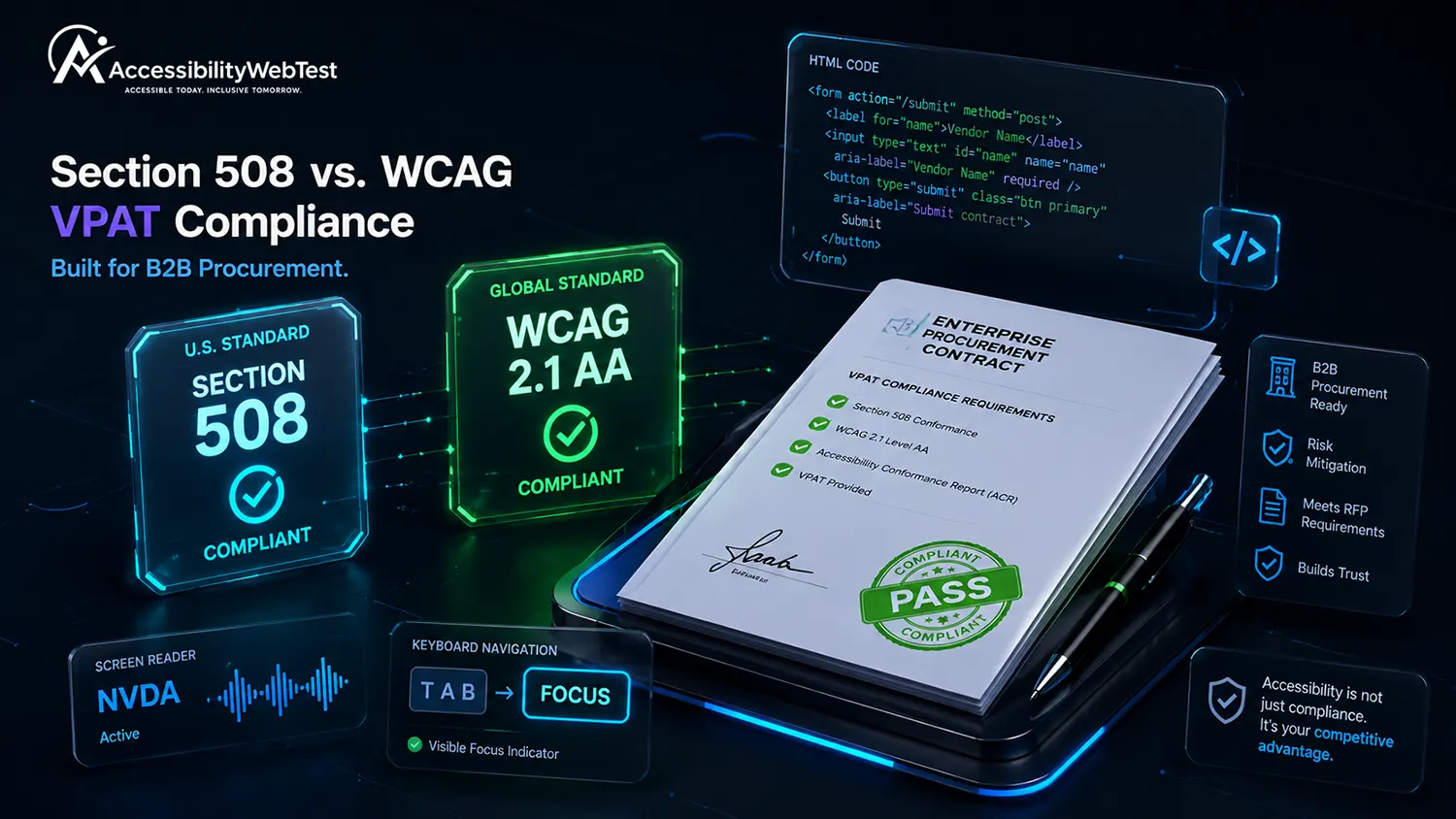
Section 508 VPAT vs. WCAG 2.1 AA VPAT: Which Edition Do You Need?
Category · VPAT & Section 508 Compliance
Confused about which VPAT edition your organization needs? Compare Section 508, WCAG and International VPAT editions, understand their accessibility requirements, and learn how to choose the right Accessibility Conformance Report (ACR) for government and enterprise procurement.
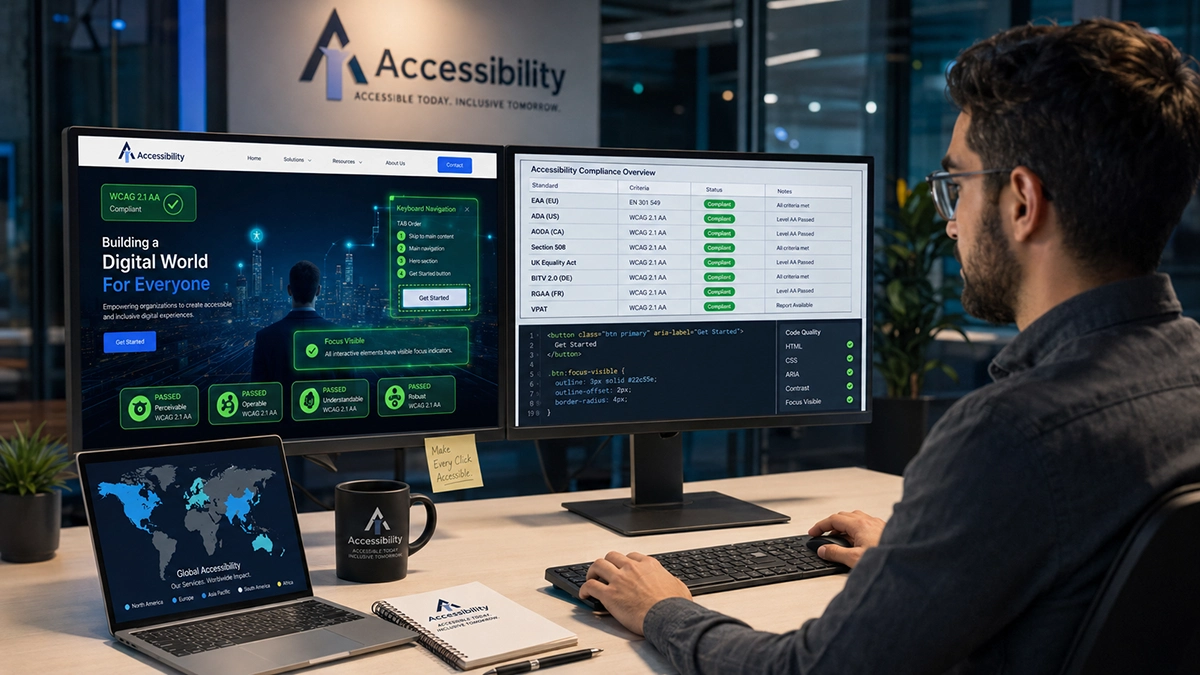
EAA vs ADA vs AODA: Navigating International Web Accessibility Laws
Category · Global Accessibility Compliance
Compare the EAA, ADA and AODA to understand how web accessibility laws differ across Europe, the United States and Canada. Learn their WCAG requirements, enforcement approaches and what global businesses should consider when building an international accessibility compliance strategy.
Our milestones
Our accessibility team helps organizations create more inclusive, standards-aligned, and user-friendly digital experiences at scale.
Not sure where to begin with accessibility? Share one public webpage with us, and our team will review it for common accessibility barriers at no cost.
You receive a short findings summary to help you understand the accessibility condition of your page.
Heading structure and page landmarks
Image alternative text review
Color contrast observations
Keyboard navigation check
Form label and button review
Basic screen reader compatibility check
This free review is an introductory assessment and is not a complete accessibility audit, certification, or guarantee of legal compliance.
Common questions about accessibility testing, compliance, inclusive development, and our services.
AccessibilityWebTest provides Mobile Accessibility Testing, Accessible Website Development, WCAG Testing, Section 508 Testing, GIGW 3.0 Testing, and VPAT Audit and ACR services.
Digital accessibility helps people with disabilities use websites, mobile applications, documents, and digital services independently. It also improves usability, expands audience reach, and supports compliance requirements.
Depending on the project, we test against WCAG 2.1 and WCAG 2.2, Section 508, EN 301 549, GIGW 3.0, and other relevant accessibility requirements.
Yes. Automated tools help identify common issues, while manual testing is used to evaluate keyboard access, screen reader compatibility, focus behavior, navigation, forms, and real-world usability.
Yes. We can provide detailed remediation guidance and can also support accessible website development and accessibility issue remediation.
You can contact our team or book an accessibility consultation. We will review your digital product, understand your goals, and recommend the most suitable testing or development approach.
We help organizations make websites, mobile applications, documents, and digital platforms easier to use for everyone. Our accessibility specialists combine automated testing, expert manual audits, and assistive technology checks to identify barriers that may affect people with disabilities.
Fields marked with an asterisk are required.