
Mobile Accessibility & UX
How Accessibility Improves Mobile Conversion Rates (CRO)
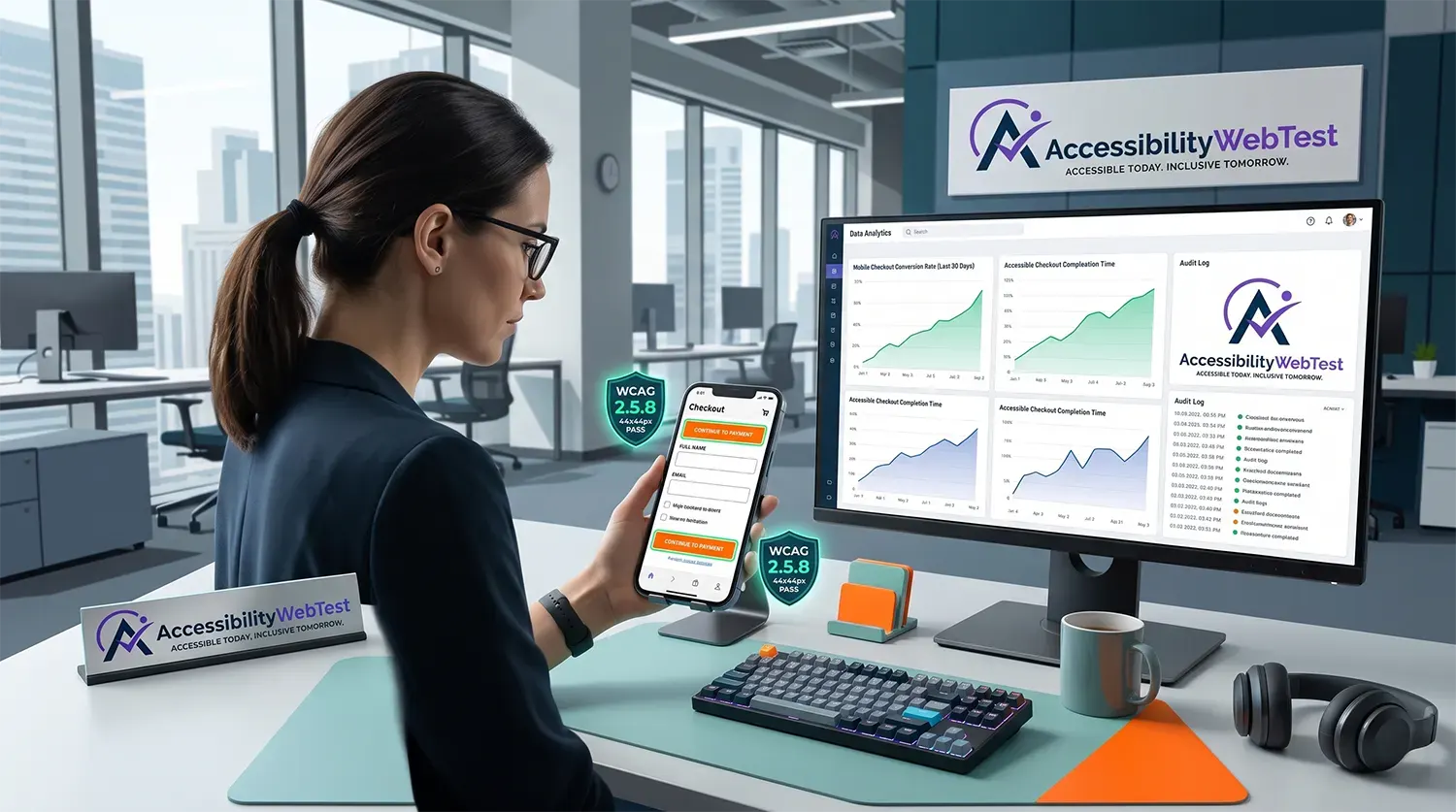
In modern digital commerce, mobile traffic accounts for well over half of all global web visits. However, mobile conversion rates consistently lag behind desktop rates. Visitors routinely abandon mobile shopping carts, drop out of lead generation forms, and bounce from landing pages.
While marketing teams spend heavily on A/B testing copy, CTA button colors, and promotional banners to optimize conversions, they often overlook the single biggest driver of mobile friction: inaccessible digital design.
Web accessibility and Conversion Rate Optimization (CRO) share an identical objective: eliminating user friction so every visitor can complete their intended task easily.
By aligning your mobile interface with the Web Content Accessibility Guidelines (WCAG) 2.1 and 2.2 Level AA, you create a frictionless, high-converting mobile experience that benefits all users—including those with visual, motor, or cognitive impairments.
The Overlap Between Mobile Accessibility and CRO
When mobile interfaces fail accessibility standards, they introduce physical and cognitive friction. This directly drives up bounce rates and cuts conversion metrics.
+-----------------------------------------------------------------------+
| ACCESSIBILITY & CRO CONVERGENCE |
+-----------------------------------+-----------------------------------+
| ACCESSIBILITY MANDATE | CRO IMPACT |
| - Large touch targets (WCAG 2.5.8)| - Reduced mis-clicks & drop-offs |
| - Explicit form labels (WCAG 1.3.1)| - Faster checkout completion |
| - High contrast text (WCAG 1.4.3) | - Increased legibility on screens |
| - Clear focus states (WCAG 2.4.7) | - Lower mobile bounce rates |
+-----------------------------------+-----------------------------------+
4 Technical Mobile Accessibility Barriers Killing Your Conversions
Addressing core technical WCAG criteria on mobile platforms directly resolves top conversion killers.
1. Inadequate Touch Target Sizes (WCAG 2.5.8 & 2.5.5)
Small CTA buttons, tiny form checkboxes, and tightly packed text links cause frequent mis-clicks on touchscreens.
When users hit the wrong link or struggle to tap an "Add to Cart" button, frustration leads to immediate bounce.
WCAG 2.2 Standard: Requires target sizes for pointer inputs to be at least 24x24 CSS pixels (Level AA), with 44x44 CSS pixels recommended as the optimal touch target size for mobile thumbs (Level AAA).
CSS
/* INCORRECT: Micro touch target causing mis-taps on mobile */
.checkout-btn {
padding: 4px 8px;
font-size: 12px;
}
/* CORRECT: Accessible, high-converting touch target for mobile thumbs */
.checkout-btn {
min-width: 44px;
min-height: 44px;
padding: 12px 24px;
font-size: 16px;
}
2. Form Inputs Missing Explicit Labels & Auto-Complete (WCAG 1.3.1 & 1.3.5)
Mobile typing is inherently slow and error-prone. Many e-commerce sites use floating visual placeholders instead of explicit HTML elements to save screen space.
When placeholders disappear upon typing, users lose visual context, leading to input errors and checkout abandonment.
INCORRECT:
input type="text" placeholder="Card Number"
CORRECT:
label for="mobile-cc": Credit Card Number
input type="text" id="mobile-cc" name="cardnumber" autocomplete="cc-number"
CRO Impact: Native autocomplete attributes reduce mobile form field completion times significantly, directly lifting checkout conversions.
3. Low Contrast under Sunlight (WCAG 1.4.3)
Mobile devices are frequently used outdoors or under direct glare. If your brand relies on light gray text on white cards or low-contrast placeholder text, users simply cannot read your value proposition or CTA copy.
Maintaining a minimum visual contrast ratio of 4.5:1 for standard body text ensures readability across all lighting conditions.
4. Dynamic Error Handling & Unannounced Alerts (WCAG 3.3.1 & 4.1.3)
When a mobile user misses a required field during a multi-step checkout, scrolling up to find a subtle red outline is difficult on small screens.
Using aria-live="assertive" ensures that form validation errors are announced instantly by screen readers and positioned in the visual focus view for screen magnification users.
Why Automated Scanners and Overlays Fail Mobile CRO Goals
To resolve mobile conversion bottlenecks, product teams need accurate diagnostic data. Relying on free automated scanning tools or third-party JavaScript "overlay widgets" creates a false sense of security.
Automated Scanners Miss 70% of Mobile Usability Bugs
Automated scanning scripts (like axe-core, WAVE, or Lighthouse) process raw DOM syntax, but automated tools miss up to 70% of real-world mobile accessibility barriers.
Cannot Test Touch Interactions: Scanners cannot simulate human thumb gestures, pinch-to-zoom capabilities, or touch target spacing issues.
Cannot Validate Orientation Flows: Scanners fail to detect whether layout components break when a mobile user flips their device from portrait to landscape mode (WCAG 1.3.4).
Cannot Evaluate Screen Reader UX: Scanners cannot verify how iOS VoiceOver or Android TalkBack voice engines announce dynamic mobile drawers, slide-out carts, or sticky footers.
The Problem with Overlay Widgets on Mobile
Overlay widgets attempt to insert floating toolbar buttons over an unoptimized mobile site.
They Clutter Small Displays: On mobile screens where pixel real estate is precious, floating overlay icons block primary conversion CTAs and navigation bars.
They Do Not Fix Source Code: Overlays leave broken underlying HTML untouched, failing to enable native mobile browser features like autofill and biometric login.
They Disruption Native Assistive Devices: Mobile screen reader users rely on native gestures. Overlay scripts frequently break native VoiceOver and TalkBack navigation.
Comparison: Automated Tools vs. Manual Mobile Testing
Mobile Optimization Feature | Automated Scanning Tools | Manual Expert Mobile Audit |
Static HTML Syntax | ✅ High Speed & Accuracy | ✅ Verified during review |
Color Contrast Ratios | ✅ Static CSS checks | ✅ Tested across dynamic screens & themes |
Touch Target Spacing | ⚠️ Partial CSS check | ✅ Verified manually for thumb usability |
Screen Reader Verification | ❌ Cannot test VoiceOver/TalkBack | ✅ Tested using native iOS and Android devices |
Mobile Form Auto-Fill UX | ❌ Misses auto-complete flow logic | ✅ Manually verified across mobile browsers |
Conversion Defensibility | ❌ Identifies minimal friction | ✅ Uncovers 100% of user journey drop-offs |
4-Step Action Plan to Boost Mobile Conversions via Accessibility
Audit Mobile Checkout Journeys: Focus manual QA testing on your highest-revenue flows: Product Detail Pages (PDP), Cart Drawers, Checkout Forms, and Lead Generation steps.
Conduct Testing on Physical Mobile Devices: Test interfaces using actual iOS (VoiceOver) and Android (TalkBack) devices rather than relying solely on desktop browser emulators.
Refactor Code at the Source: Provide frontend teams with developer-ready code fixes for touch targets, native input types (type="tel", type="email"), and ARIA states.
Benchmark Conversion Lift: Track conversion rates, form completion velocity, and mobile cart abandonment rates before and after accessibility remediation.
Boost Mobile Revenue with Expert Accessibility Audits
Accessibility is not a constraint on design—it is the blueprint for high-converting mobile user experiences. Eliminating technical code barriers opens your platform to disabled users while streamlining the checkout journey for every customer.
At accessibilitywebtest.com, our certified engineers perform comprehensive testing across desktop and mobile platforms using native screen readers, keyboard navigation, and touch interface protocols.
Looking to evaluate mobile app compliance? Explore our dedicated Mobile Accessibility Testing Services.
Need a full web application assessment? Learn about our end-to-end Web Accessibility Testing Services.
Targeting public sector or international markets? Review our specialized Section 508 Compliance Services and VPAT Audit & ACR Services.
Building a compliant site from scratch? Work with our team on Accessible Website Development.
Ready to remove mobile checkout friction? Contact our lead auditors today to schedule a mobile accessibility evaluation.